
Whittl
A downloadable tool for Windows and Linux
-Release notes-
Whittl v1.5.0
January 2026
Smart file routing, prompt expansion, and a modern chat experience.
New Features
Smart File Routing
- Projects with 8+ files only send relevant files to AI (4-15x fewer tokens)
- Status bar shows "Smart routing: 3 of 28 files"
- Import protection warns AI about exported names to prevent broken imports
- Edit menu: "Send Active File Only" for maximum control
- Edit menu: "Smart Routing for All Projects" enables on smaller projects (2+ files)
- Keyword fallback when AI pre-pass times out (helps slow local models)
Prompt Expansion
- ✨ Expand checkbox transforms short prompts into detailed specs
- 47 built-in patterns covering games, tools, utilities, and studio apps
- Backend-aware: Ollama gets detailed guidance, cloud APIs get lighter specs
Modern Chat Experience
- Auto-expanding input grows as you type
- Prompt history - Up/Down arrows cycle through previous prompts
- Retry button for quick regeneration
- Smart scrolling - only auto-scrolls if you're at the bottom
Friendly Error Messages
- Before/after comparison shows exactly what to change
- Clear fix suggestions instead of cryptic errors
Gemini Model Selector
- Choose between Flash 3, Pro, or 2.5 Flash from dropdown
Terminal Streaming
- Output appears in real-time as your app runs, not just when it exits
Restore Button
- When auto-fix fails after 3 attempts, clickable "🔙 Restore Original" appears
Confirm Toggle
- Edit menu: "Confirm Before AI Changes" - disable to skip confirmation popup
Build System Improvements
Auto-Detect Packages
- No more
# REQUIRES:comments needed for common packages - Automatically maps: PIL → pillow, cv2 → opencv-python, yaml → pyyaml, etc.
Preserve Folder Structure
- Importing external projects keeps fonts/, assets/, etc. separate
UI Polish
- Save indicators - red dot (●) unsaved, green (●) saved
- Pinned + button always visible, not hidden at end of tabs
- Recursive assets - panel shows files in subfolders
- Example prompts - rotating placeholder text shows helpful examples
Bug Fixes
- Windows path normalization - imported projects now display correct line counts
- Shutil import cleanup - removed 9 redundant local imports causing build failures
- Template metadata - games now show under "Games" not "Utilities"
- Smart routing path dedup - normalized
/vs\prevents sending same file twice - Smart routing keyword fallback - times out gracefully instead of sending all files
- Auto-pip custom messages - detects "pip install xxx" patterns
- Code editor scroll fix - text no longer cut off on left side when project loads
- Ctrl+Shift+F fixed - multi-file search hotkey works when editor has focus
- False "unsaved" indicator - switching tabs no longer marks files unsaved
- Stop button stuck - properly resets after asset/question handlers
- Multi-file rollback - auto-fix now sees broken code, not rolled-back code
- Ollama thinking mode - no longer crashes on unsupported models
- UI freeze during routing - analysis now runs in background thread
Auto-Fix Improvements
- Import protection prevents AI from renaming exported symbols
- Documentation files (readme.md.py) skip validation to prevent rollback loops
- Smarter intent detection - QPainter projects won't be offered image assets
Create desktop applications by describing what you want.
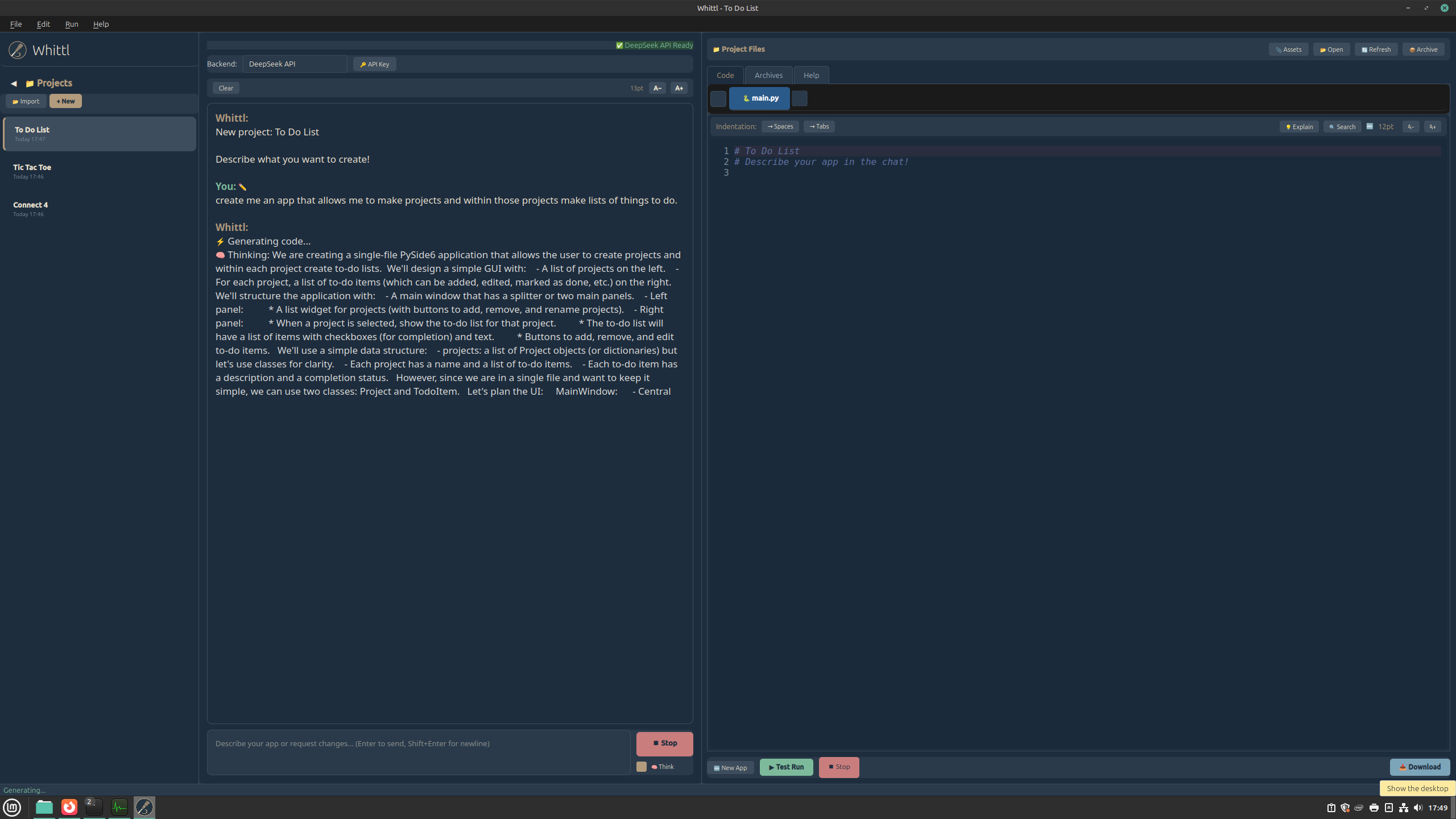
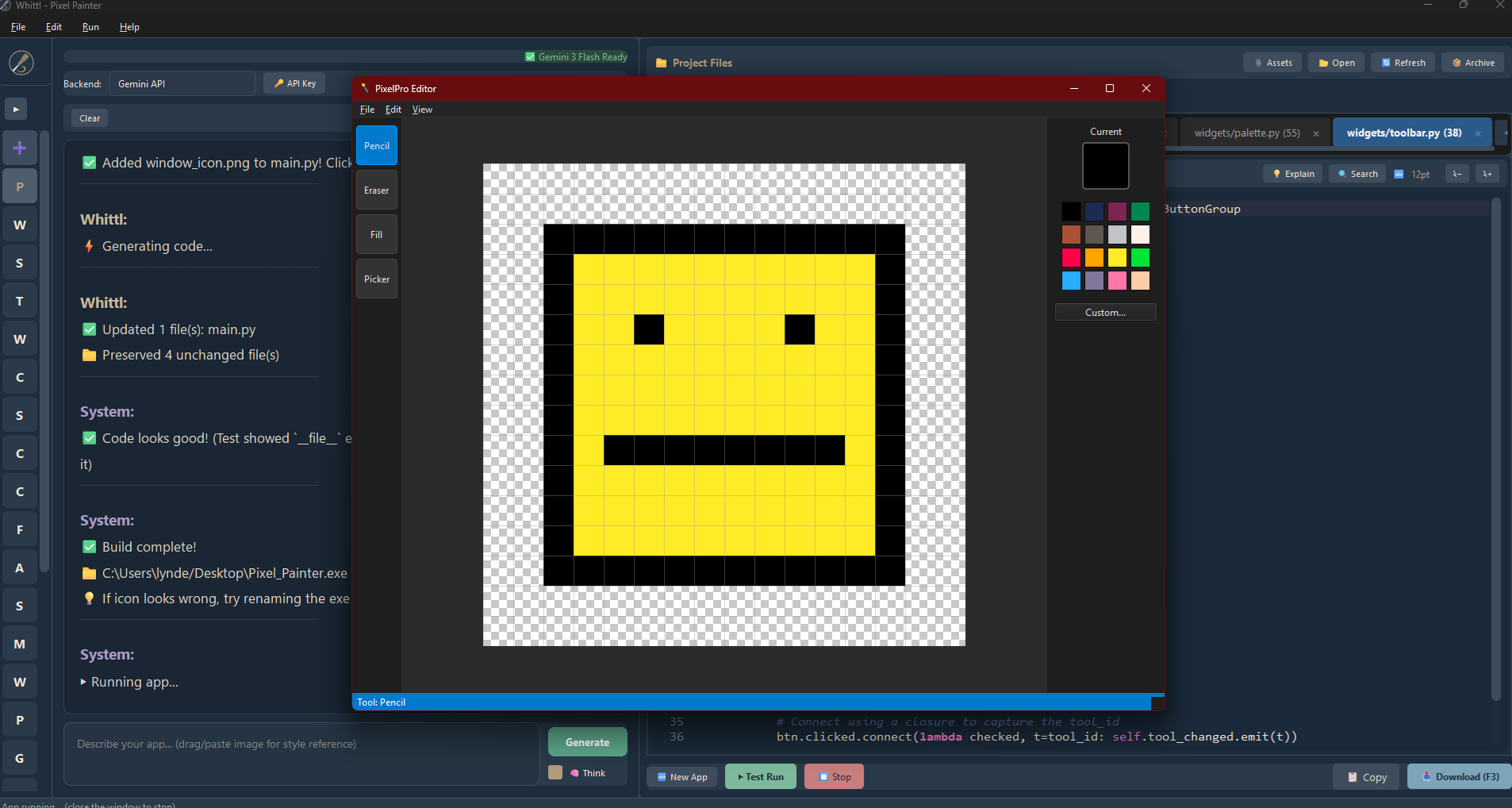
Whittl is an AI-powered tool that generates complete, working Python GUI applications from natural language descriptions. No subscriptions, no cloud lock-in - you get real .py files on your disk that you own forever.
Why Whittl?
- Your code, your files - Everything lives on your computer, not in someone else's cloud
- No monthly fees - Pay once, own it forever. You only pay for AI API usage (or use Ollama for free)
- No framework knowledge needed - Just describe your app and watch it come to life
How It Works
- Describe your application in plain English
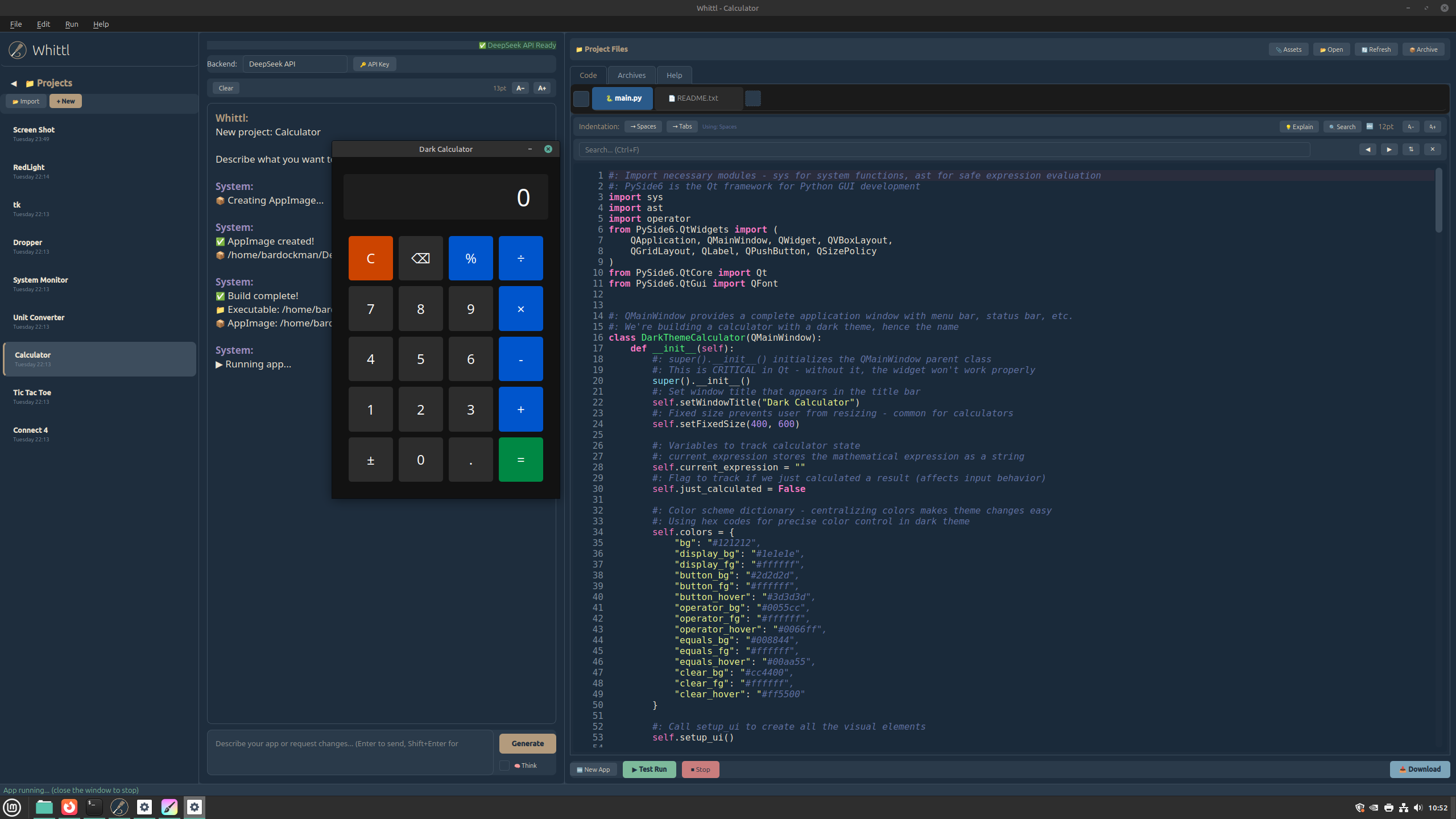
- Generate working code with one click
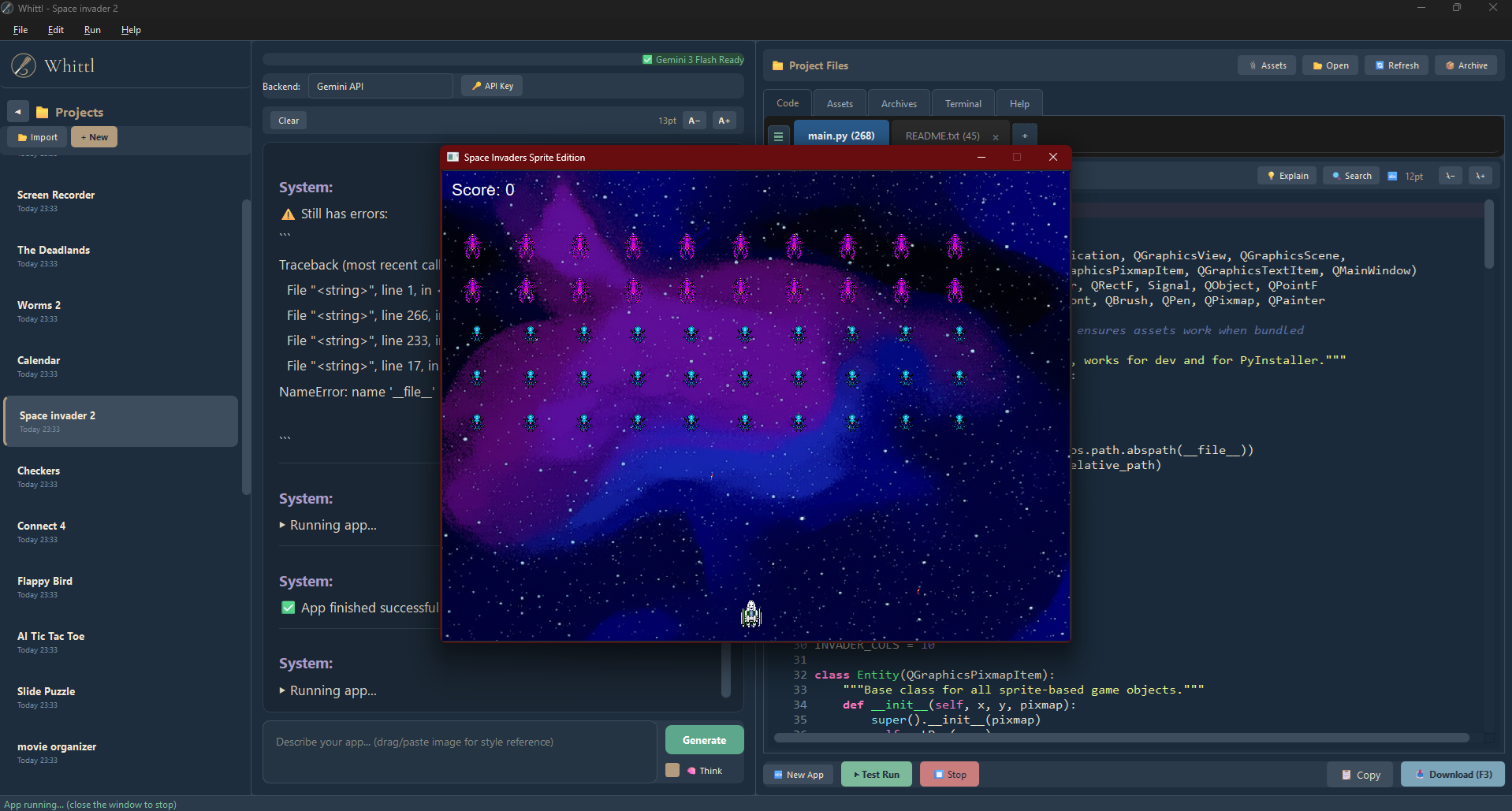
- Run and test instantly
- Iterate with follow-up requests ("add a dark mode", "make the buttons bigger")
- Build standalone executables to share
Multiple AI Backends
- Gemini API - High quality with a generous free tier
- Claude API - Highest quality code generation
- DeepSeek API - Fast and cost-effective
- Ollama - 100% local and offline, complete privacy
(Gemini, DeepSeek and Claude require API keys. Ollama is free but needs 16GB+ RAM.)
Smart Features
- Prompt Expansion - Short prompts like "calculator" automatically expand into detailed specs for better results
- Smart File Routing - Large projects only send relevant files to the AI, saving time and cost
- Import Protection - AI is warned not to break cross-file dependencies
Smart Code Editor
- Syntax highlighting
- Search & replace
- Project-wide search (Ctrl+Shift+F)
- Undo/redo history
- Error highlighting with line numbers
- Autocomplete suggestions as you type
- Real-time error detection with red squiggly underlines
- Prompt history (Up/Down arrows to recall previous requests)
Automatic Fixes
- Detects and fixes 30+ common code issues
- Friendly before/after error explanations
- Handles missing imports, deprecated APIs, and more
- Auto-detects and installs missing packages from your imports
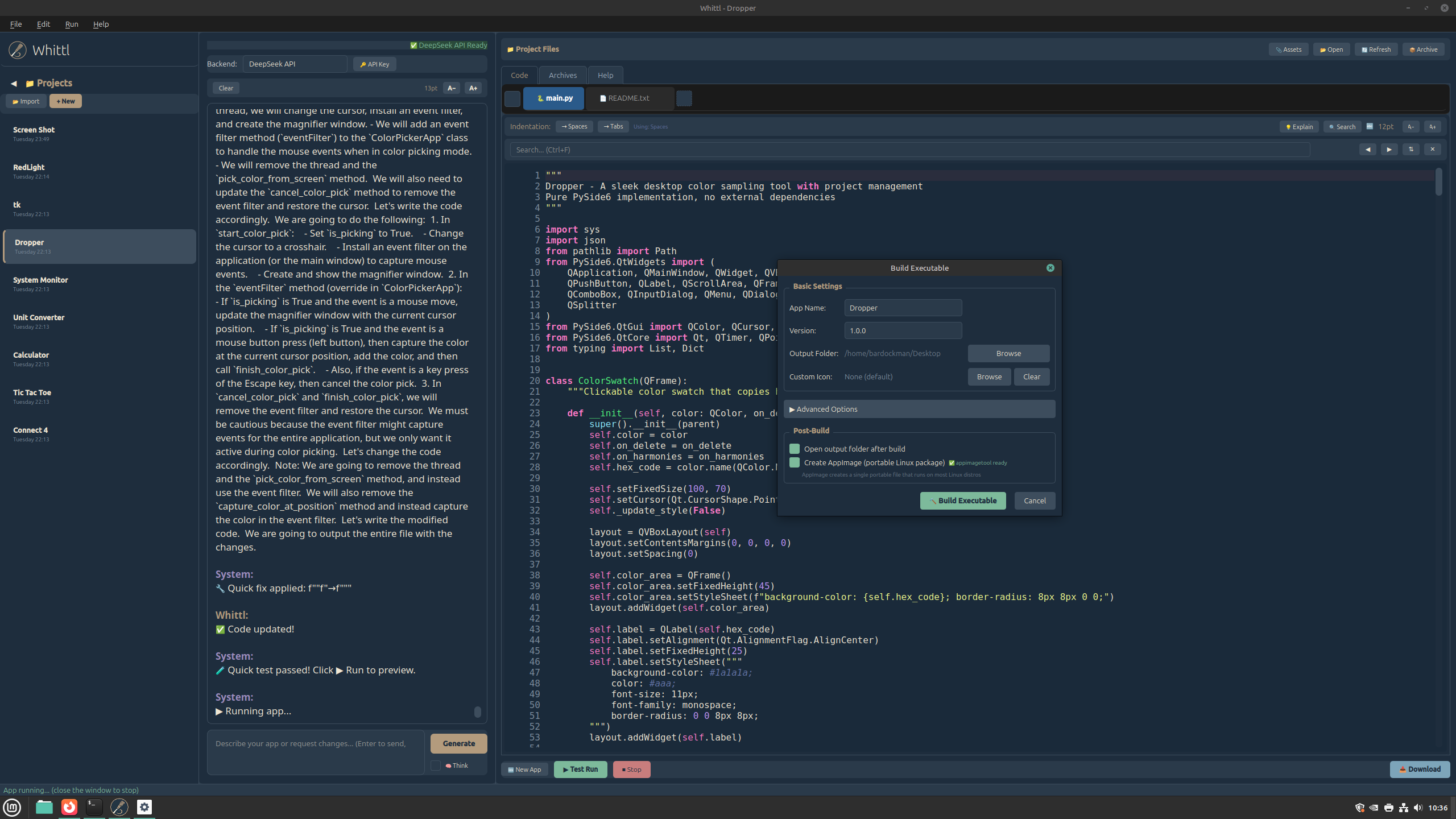
One-Click Builds
- Windows: Standalone .exe files
- Windows: Full installers with Start Menu shortcuts
- Linux: Portable AppImage files
Project Management
- Save and load projects
- Version history with one-click restore
- Import existing Python projects (preserves your folder structure)
- 12 built-in templates to start from
- Save your own projects as reusable templates
What Can You Build?
Whittl generates PySide6 (Qt) desktop applications:
- Utilities and productivity tools
- Data viewers and editors
- Games (board games, card games, puzzles)
- Media players and image tools
- Calculators and converters
- Personal organizers
- And much more...
Who Is This For?
- Python developers who want GUIs without learning Qt
- Hobbyists creating desktop tools quickly
- Prototypers who need working demos fast
- Beginners who don't know how to write detailed prompts
- Anyone who prefers local apps over web apps
Requirements
To run Whittl:
- Windows 10/11 or Linux (Ubuntu 22.04+, Linux Mint 21+)
- 4 GB RAM minimum
To generate code (choose one):
- Gemini API key (from Google), OR
- Claude API key (from Anthropic), OR
- DeepSeek API key, OR
- Ollama installed locally (free, 16GB+ RAM recommended)
By downloading and using Whittl, you agree to the End User License Agreement included with the software (EULA.txt).
Purchase
In order to download this tool you must purchase it at or above the minimum price of $15 CAD. You will get access to the following files:

Comments
Log in with itch.io to leave a comment.
Hello,
is it possible to change the window size of an exported project? Any chance to see a setting for changing the default project folder to other than the c drive? Any new in the pipeline? Keep up the good work,